Building a Safe ColdFusion MX Lab
Recreate the MX-era development experience without turning unsupported software into a risk for your normal systems.
Choose the Goal Before the Software
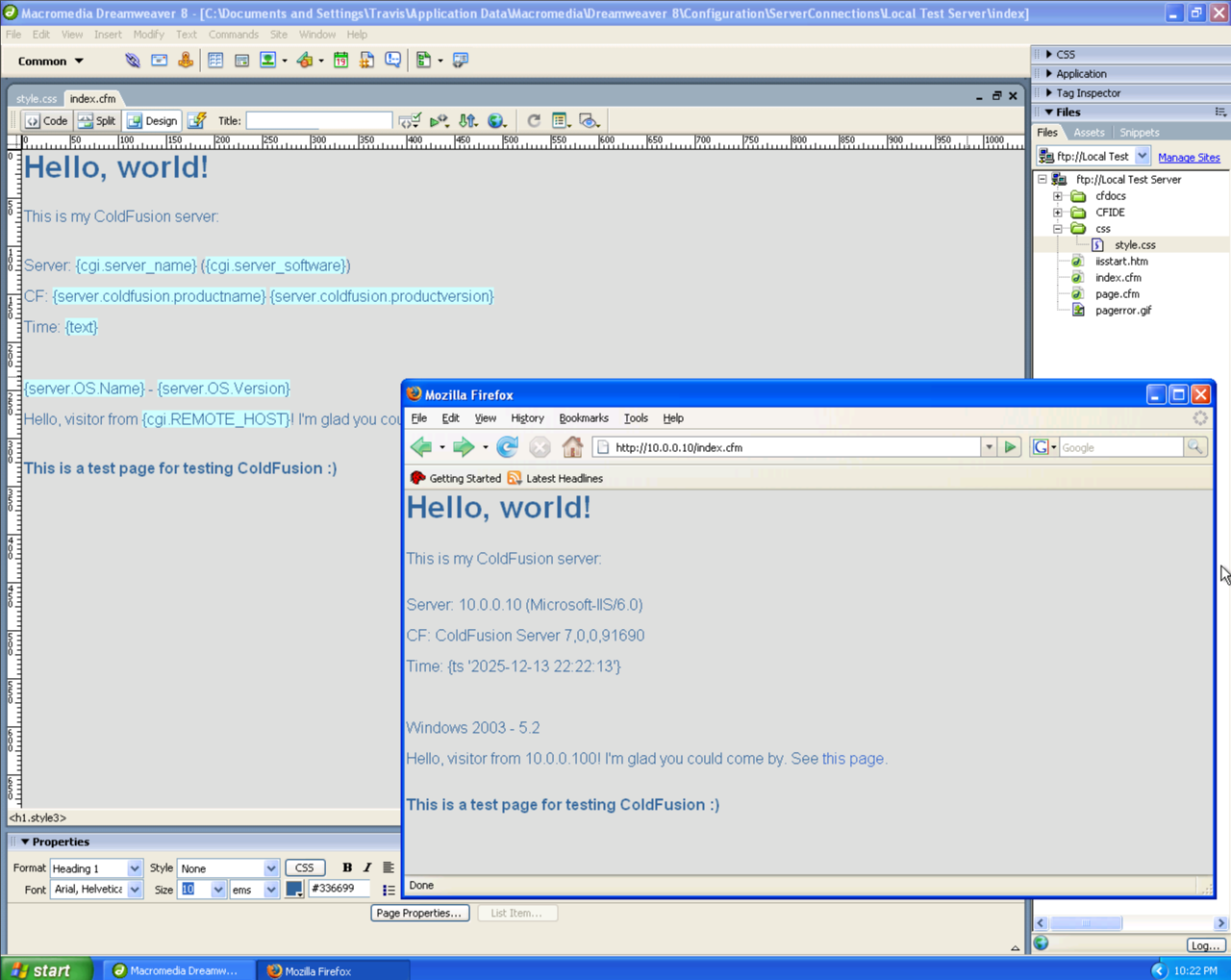
Period-Accurate Lab
Use ColdFusion MX 7, Windows Server 2003, IIS 6, and Dreamweaver 8 to reproduce the workflow and constraints of the era.
Safe CFML Learning
Use a currently supported CFML engine on a current operating system, but write examples in the MX-compatible subset described in this section.
The second approach is safer for daily learning. The first is valuable for software preservation, screenshots, deployment archaeology, and understanding a recovered application in its original environment.
Recommended Network Design
Internet | [Your normal router] | [Host-only or isolated virtual switch] |--- cfmx-dev 192.168.77.10 |--- cfmx-server 192.168.77.20 `--- cfmx-db 192.168.77.30 No inbound port forwarding No bridge to the production LAN Temporary outbound access only when absolutely necessary
Build Checklist
- Create a dedicated virtual network. Prefer host-only networking or an isolated VLAN with explicit firewall rules.
- Install the guest operating system from legitimate media. Do not reuse passwords from any real account.
- Take a clean snapshot. Snapshot before installing IIS, ColdFusion, Java updates, database drivers, or development tools.
- Install the web server and ColdFusion. Record every installer choice, connector setting, service account, and path.
- Create a sample datasource. Use a database containing only disposable practice data.
- Disable unnecessary services. RDS, sample applications, remote administration, and development debugging should not be available beyond the isolated lab.
- Export or document the finished state. Preserve configuration notes separately from the virtual-machine image.
Suggested Lab Directory
C:\cfmx-lab\ |-- wwwroot\ | |-- Application.cfm | |-- index.cfm | |-- customers\ | `-- components\ |-- sql\ | |-- schema.sql | `-- sample-data.sql |-- notes\ | |-- datasource.txt | |-- connector.txt | `-- patch-level.txt `-- exports\
Information Worth Recording
| Area | Record |
|---|---|
| ColdFusion | Exact edition, version, updater, hotfixes, install mode, and service account. |
| Java | Runtime version, JVM path, heap arguments, and custom JAR files. |
| Web connector | IIS site, virtual directories, connector mappings, ports, and host headers. |
| Datasource | DSN, driver, database server, database name, username, and tested permissions. |
| Application | Web root, mappings, custom-tag paths, scheduled tasks, and external dependencies. |
Learning Without Running ColdFusion MX
You can still practice the important language concepts on a modern Adobe ColdFusion or Lucee installation while limiting yourself to MX-compatible syntax. That gives you current TLS, current Java, and a supported operating system while preserving the educational value of classic CFML.